Break-even Calculator for Creative Projects
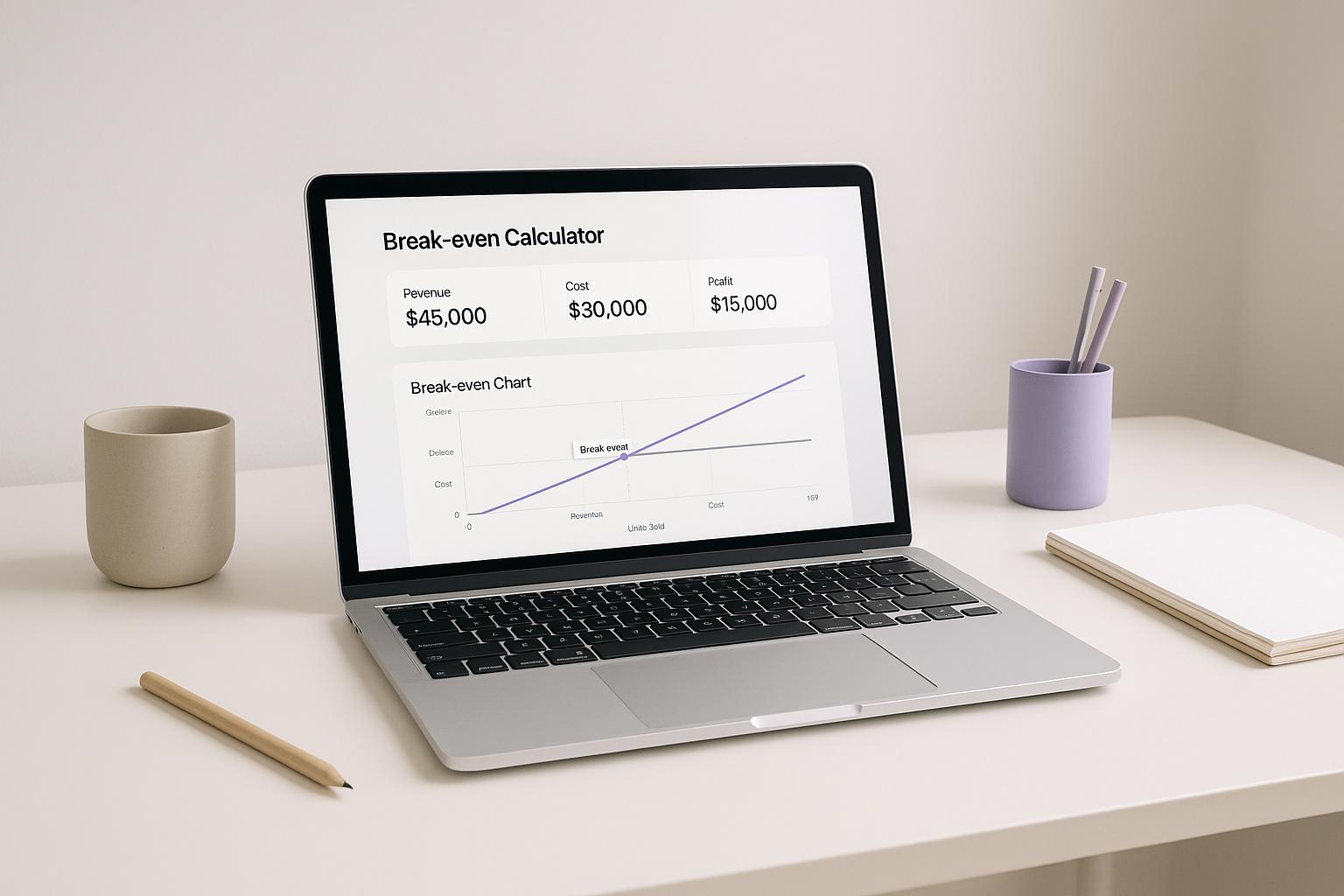
Dec 10, 2025
Calculate your break-even point for art or design projects with our free tool. See how many units you need to sell to cover costs!
Plan Your Creative Success with a Break-even Calculator
For artists, designers, and makers, turning a passion into a sustainable business often comes down to numbers. Understanding when your project will start making money is crucial, and that’s where a tool to calculate your break-even point becomes invaluable. It’s not just about covering expenses—it’s about gaining clarity on how to price and sell your work.
Why Break-even Analysis Matters for Creatives
Whether you’re launching a new art collection or offering design services, knowing the exact moment your revenue matches your outlay can shape your strategy. Fixed costs like studio rent or software subscriptions, paired with variable expenses like packaging, can add up fast. A calculator tailored for creative projects helps you see how many pieces or hours of service you need to sell to get back on track financially. This insight lets you focus on creating rather than worrying about the bottom line.
Make Smarter Decisions
Beyond just crunching numbers, this kind of tool empowers you to experiment with pricing or cost-saving ideas. It’s a practical way to ensure your creative vision aligns with financial reality, helping you build a thriving practice.
FAQs
What counts as a project cost in this calculator?
Project costs are all the fixed expenses you’ve put into your creative work before selling anything. Think materials like paint or fabric, labour if you’ve hired help, or marketing costs like social media ads. Basically, anything you’ve spent upfront that doesn’t change with each sale. Pop those into the tool, and it’ll factor them into your break-even point.
What if my price per unit or costs change later?
No worries at all! This tool is flexible. If your pricing or costs shift—say, shipping fees go up or you decide to charge more for your art—just update the numbers in the fields. The calculator will instantly refresh with a new break-even point. It’s a great way to play around with ‘what if’ scenarios for your project.
Why do I get an error with negative or zero inputs?
Negative or zero values don’t make sense in a real-world context for costs or pricing. If you enter something like a negative shipping cost or a price of zero, the tool can’t calculate a meaningful result. Double-check your inputs to ensure they’re positive numbers, and you’ll get an accurate break-even figure to work with.
Search for more blogs
Search for Blogs...



For now, start where every serious founder does — with control.
© STEALTHCFO 2025 | TERMS & PRIVACY